Get KORG Gadget Producer Bundle for free!
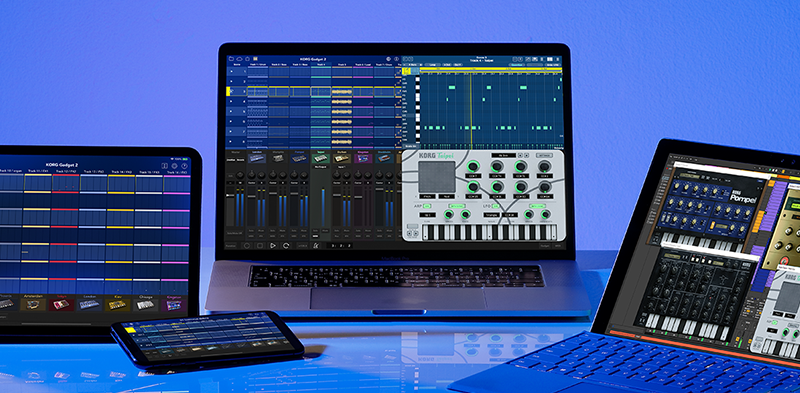
What is KORG Gadget Producer Bundle?
KORG Gadget Producer Edition is a special version of KORG Gadget 2 for Mac/PC bundle with the KORG Keystage. Gadget is an all-in-one music production software and plug-in suite that features small synthesizers and drum machines called “gadgets”, and an intuitive user interface.
Installation Instructions
1. Download the KORG Gadget Producer Bundle Installer (Mac) / KORG Gadget Producer Bundle Installer (PC).
2. Open the zip(PC) / dmg (Mac) and launch the installer.
3. After installation is complete, start KORG Gadget from the application or plug-in*. The application will be installed in the following location at:
-
Mac : /Applications/KORG Gadget
* PC version only supports plug-ins, which require a DAW to be activated.

4. Login to your KORG ID account. If you do not have an account, you will need to create one here.
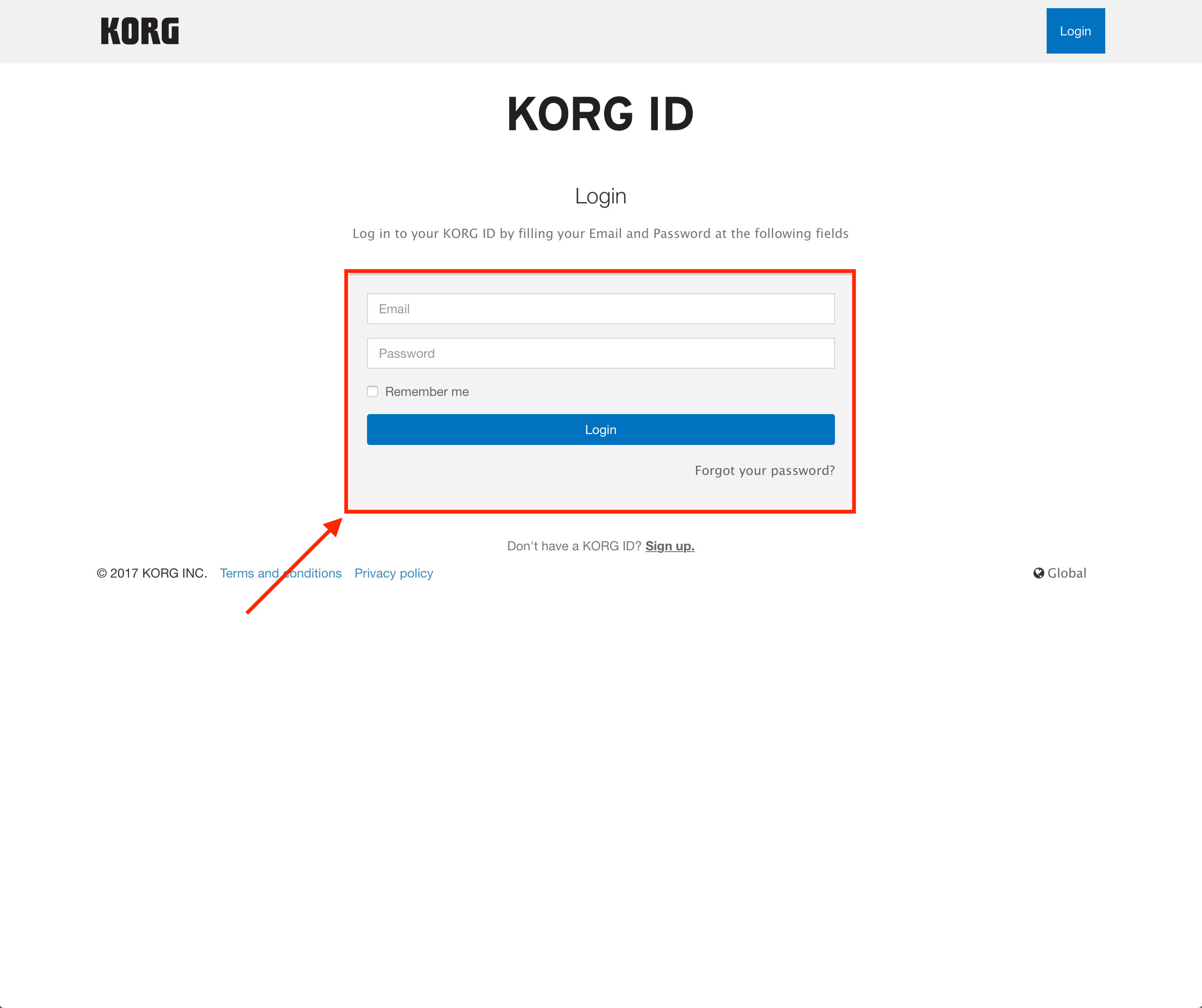
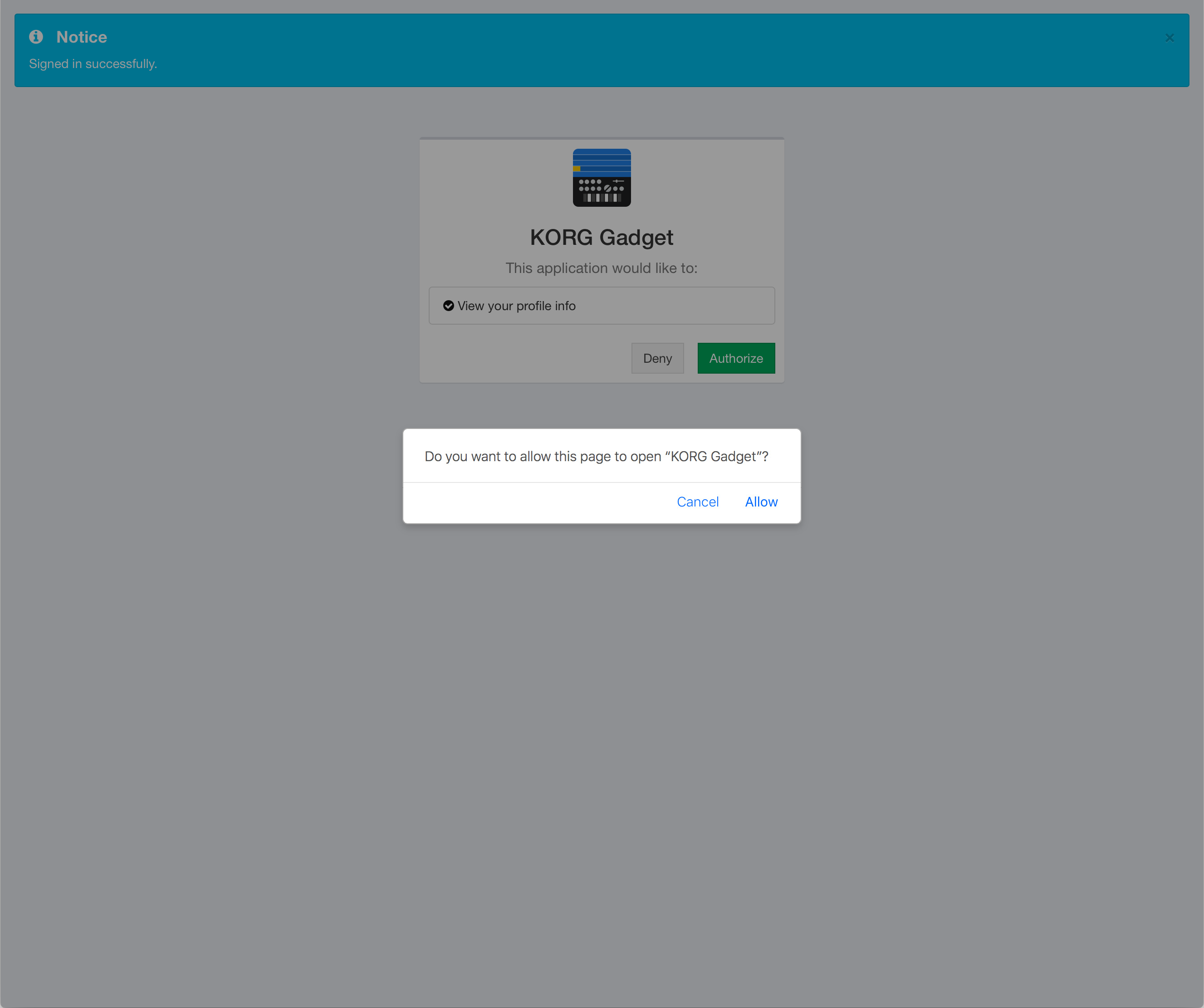
5. Press "OK" on the page displayed after the login is completed. Follow the instructions displayed, select "Authorize", and proceed to the next step.
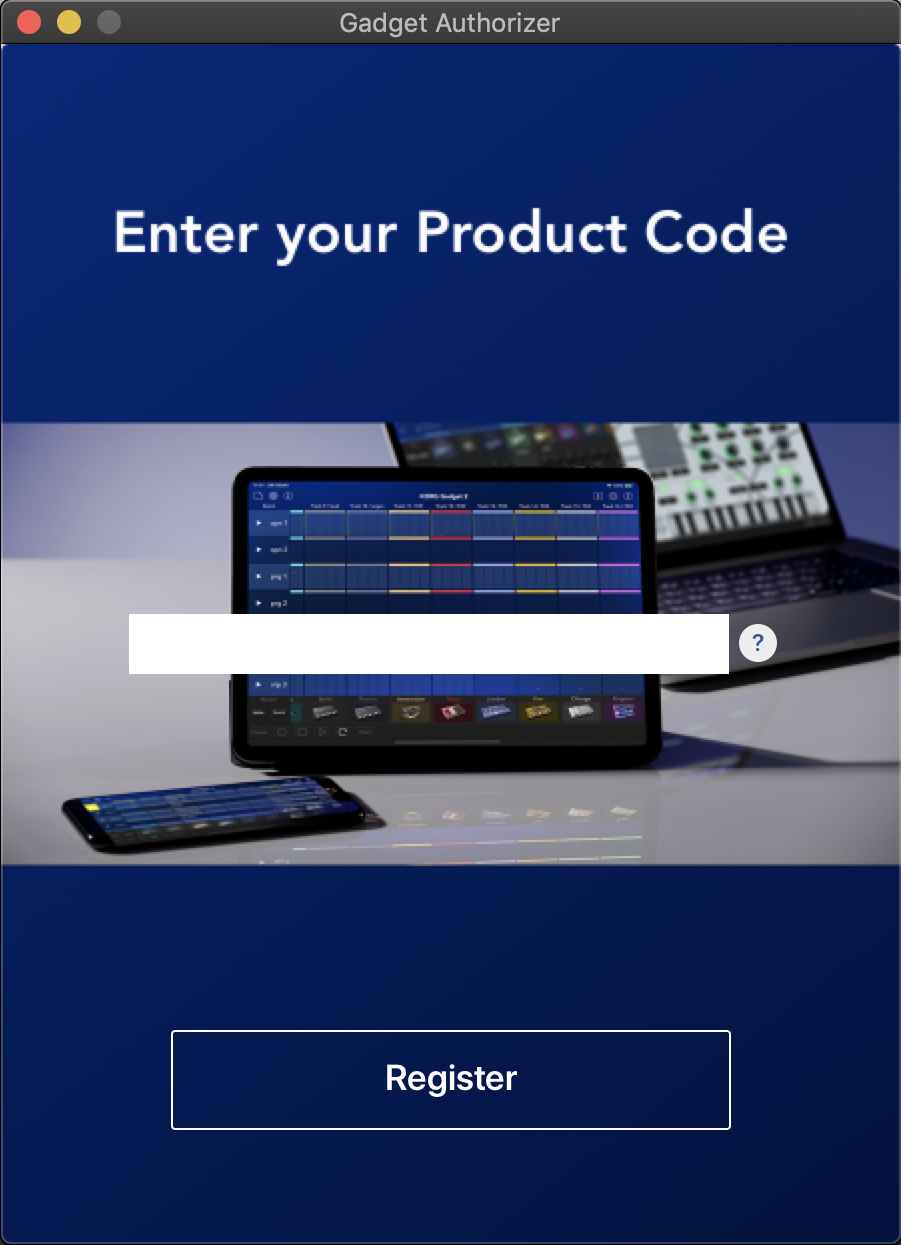
6.The screen to enter your product code will be displayed. Enter the product code on your "KORG Gadget Producer Bundle Special bonus software coupon card" and click the Register button.
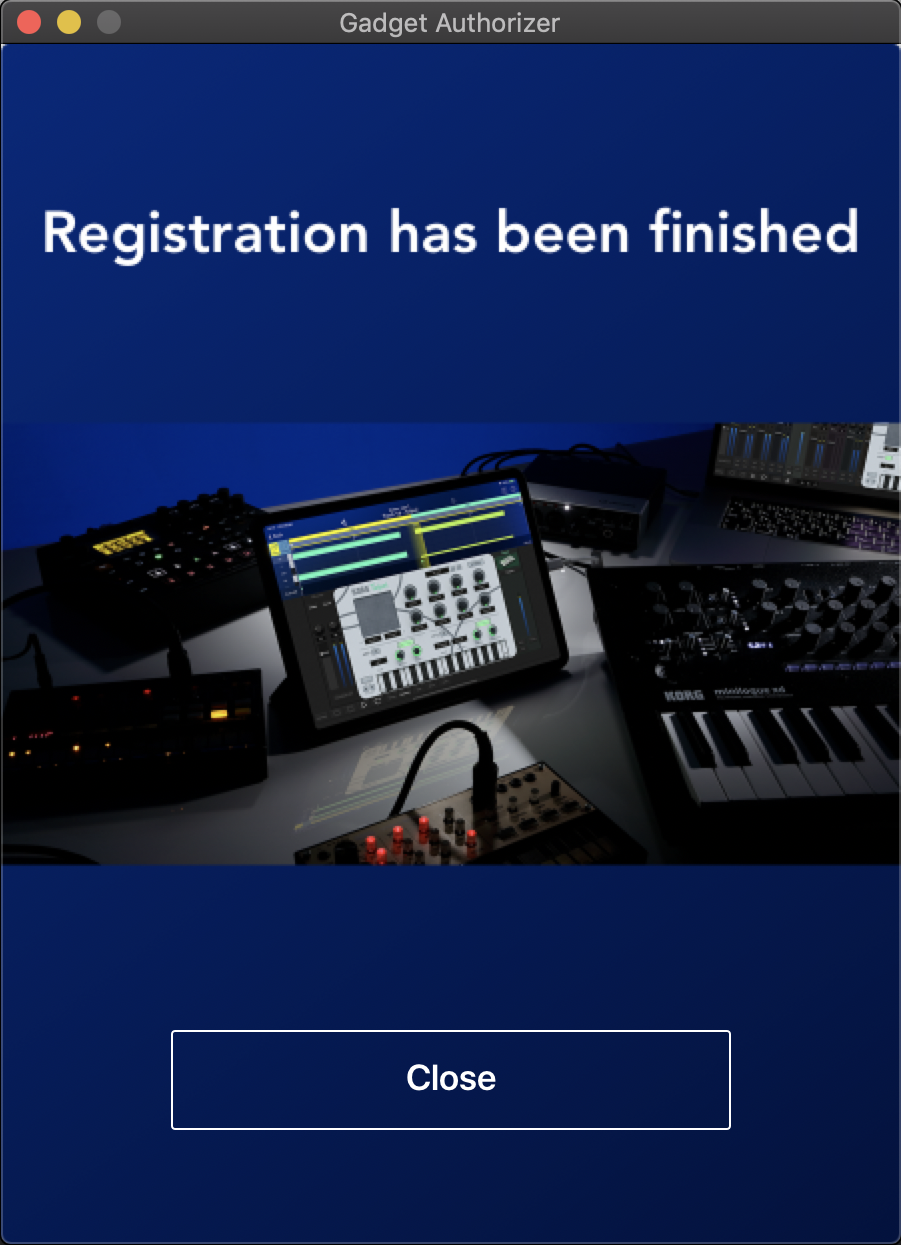
7.When the product verification complete screen is displayed, select "Close”. License registration is now complete. Please enjoy the KORG Gadget Producer Bundle!
If you are still unable to activate the software after trying the above steps, please refer to the following page.
・Download the KORG Gadget Authorizer Installer(Mac) / KORG Gadget Authorizer Installer (PC).
・Cannot register my KORG Gadget 2 plugins/apps. | KORG app Help Center